Type it like a text.
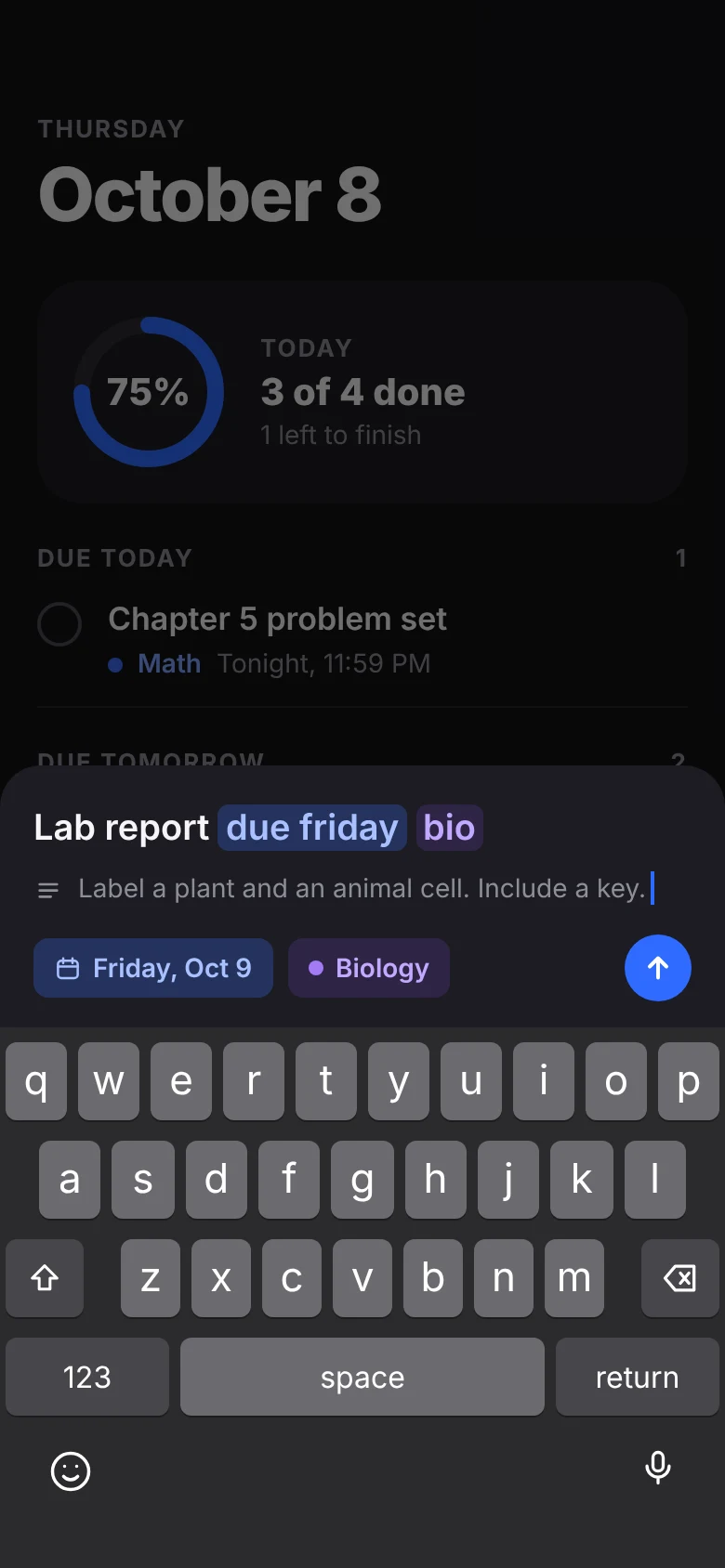
"Lab report due friday bio" becomes a Biology assignment due Friday at 11:59 PM. Pingd picks up the class and date for you.
- Works with shorthand like "tmrw" and "fri"
- Add notes, like what the teacher said to include
For iPhone · Syncs with Schoology
Pingd asks what's due right after each class. You reply in two seconds. It's on your list before you reach your next class.
Your teacher says it once at the end of class.
By 9 PM it's gone.
Planners get left in a locker. Notes apps get buried. Pingd shows up at the one moment you actually know what's due: the second the bell rings.
How it works
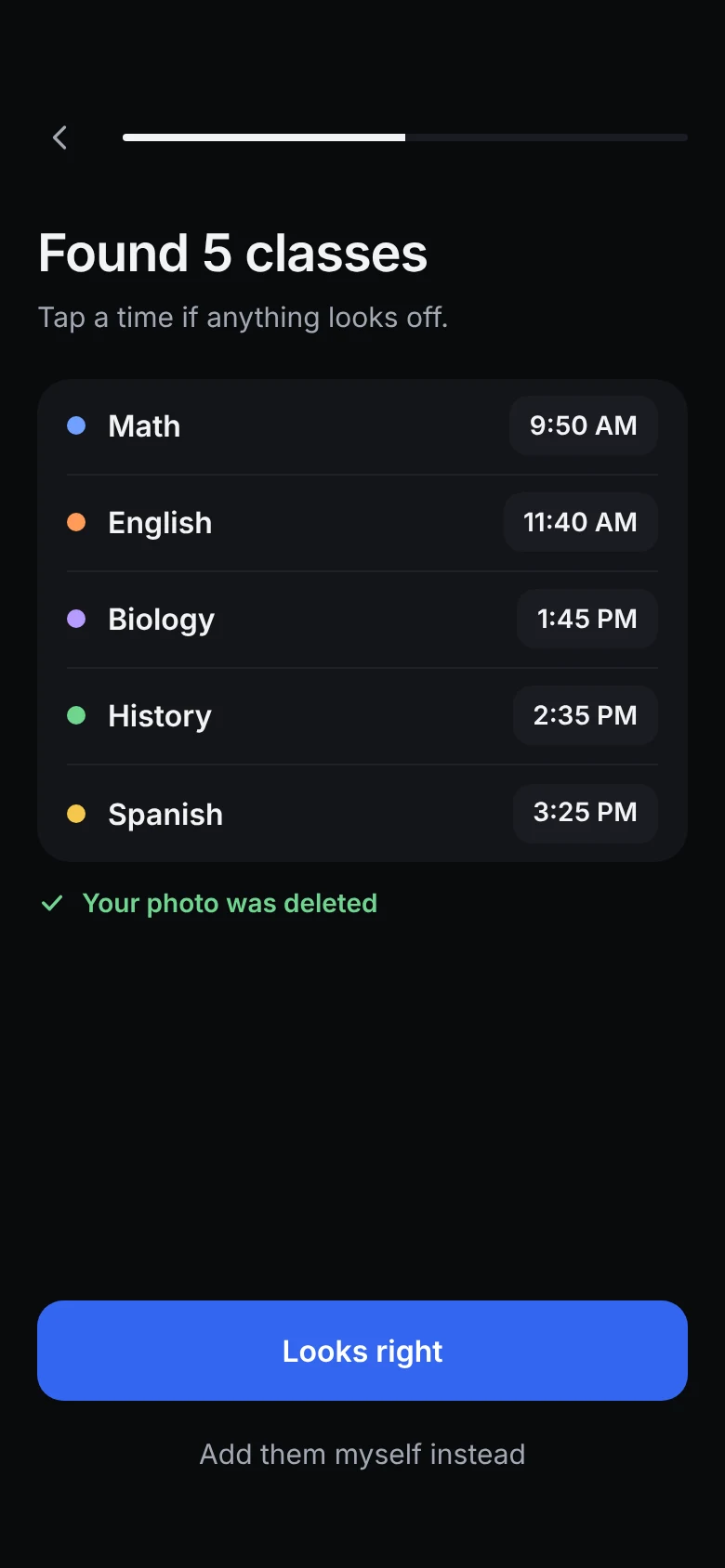
Snap a screenshot of your schedule. Pingd reads your classes and bell times, then deletes the photo.
One quiet ping after each bell. Long-press it and type what's due, like "lab report fri".
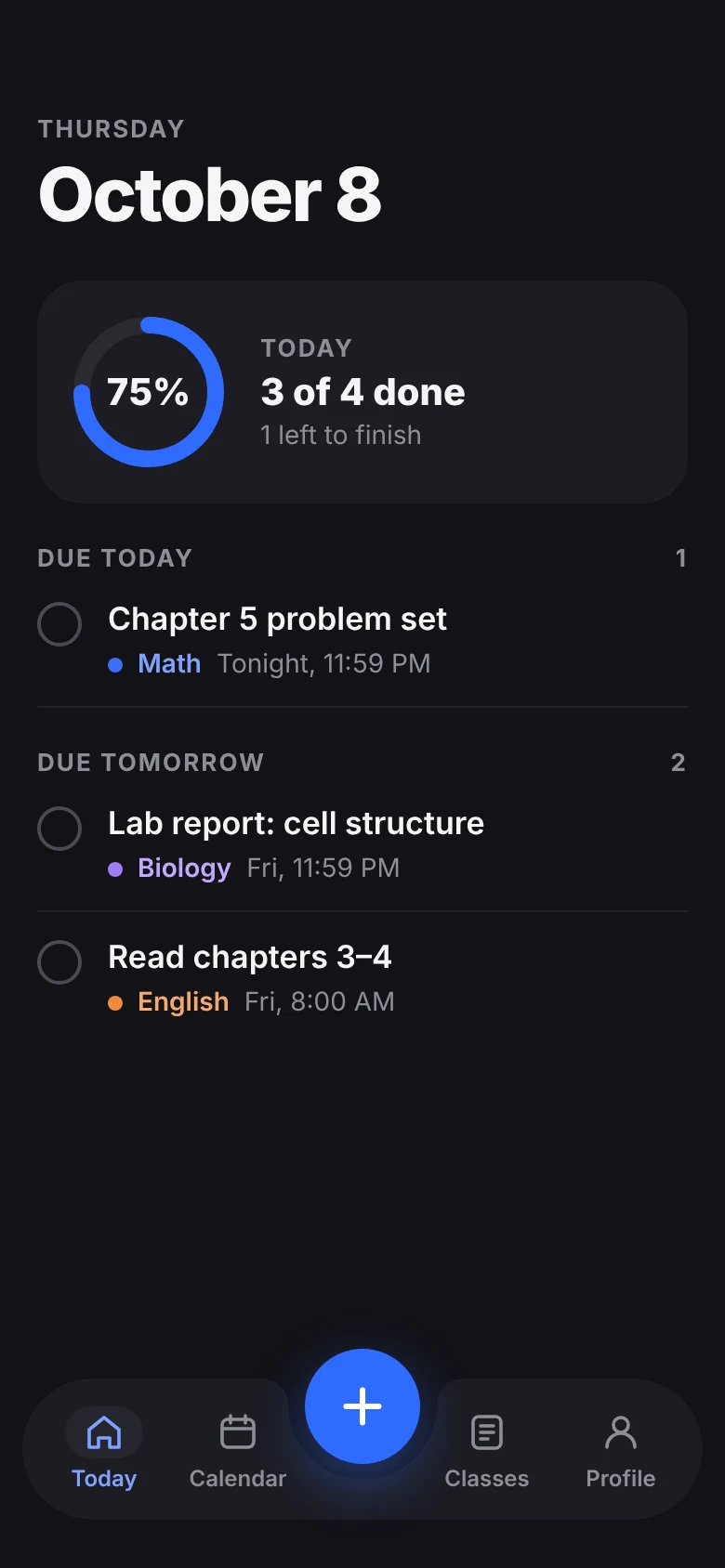
Pingd sorts it by class and due date, then reminds you the night before. Check it off when you're done.
Features
"Lab report due friday bio" becomes a Biology assignment due Friday at 11:59 PM. Pingd picks up the class and date for you.
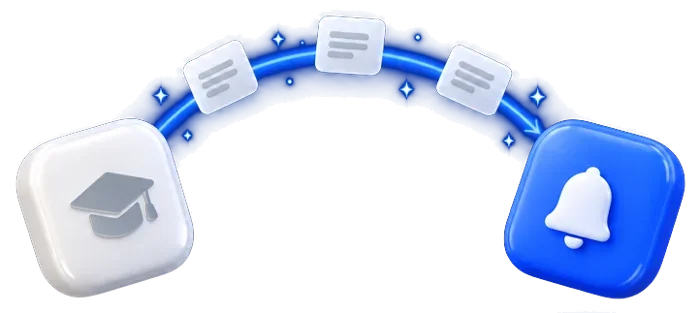
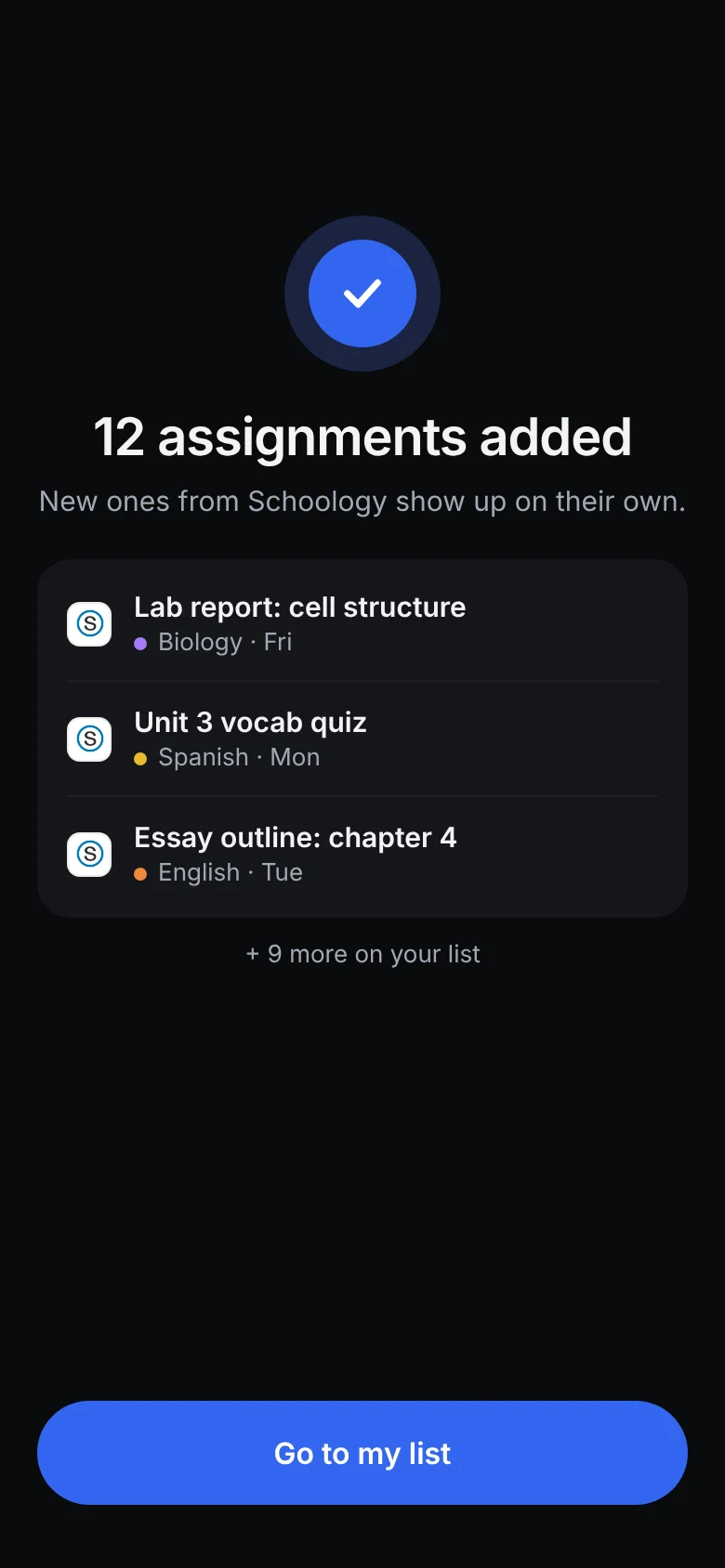
Connect your school's Schoology once. Assignments your teachers post land on your list on their own, right next to the ones you add.
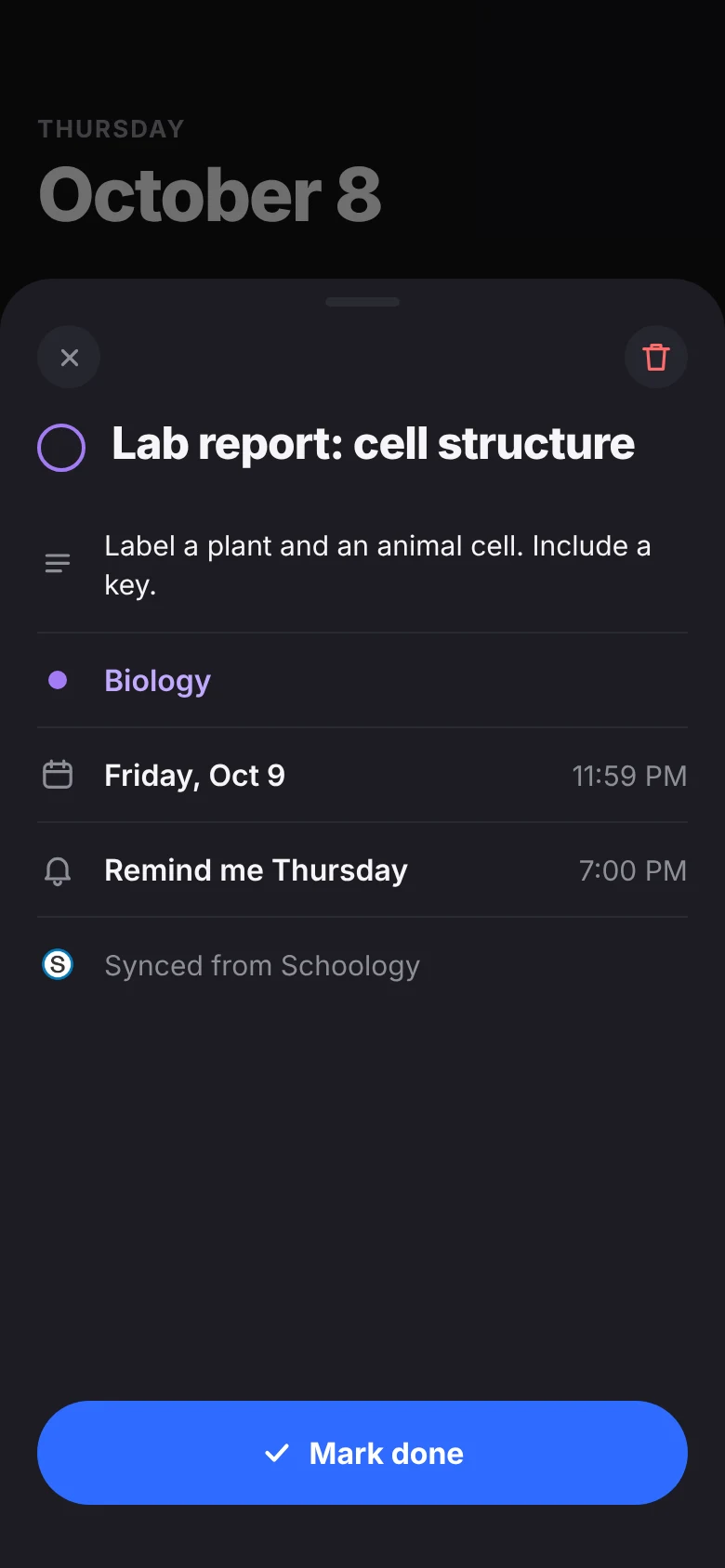
Every assignment gets a reminder the night before, at the time you pick. Nothing sneaks up on you on a Friday morning.
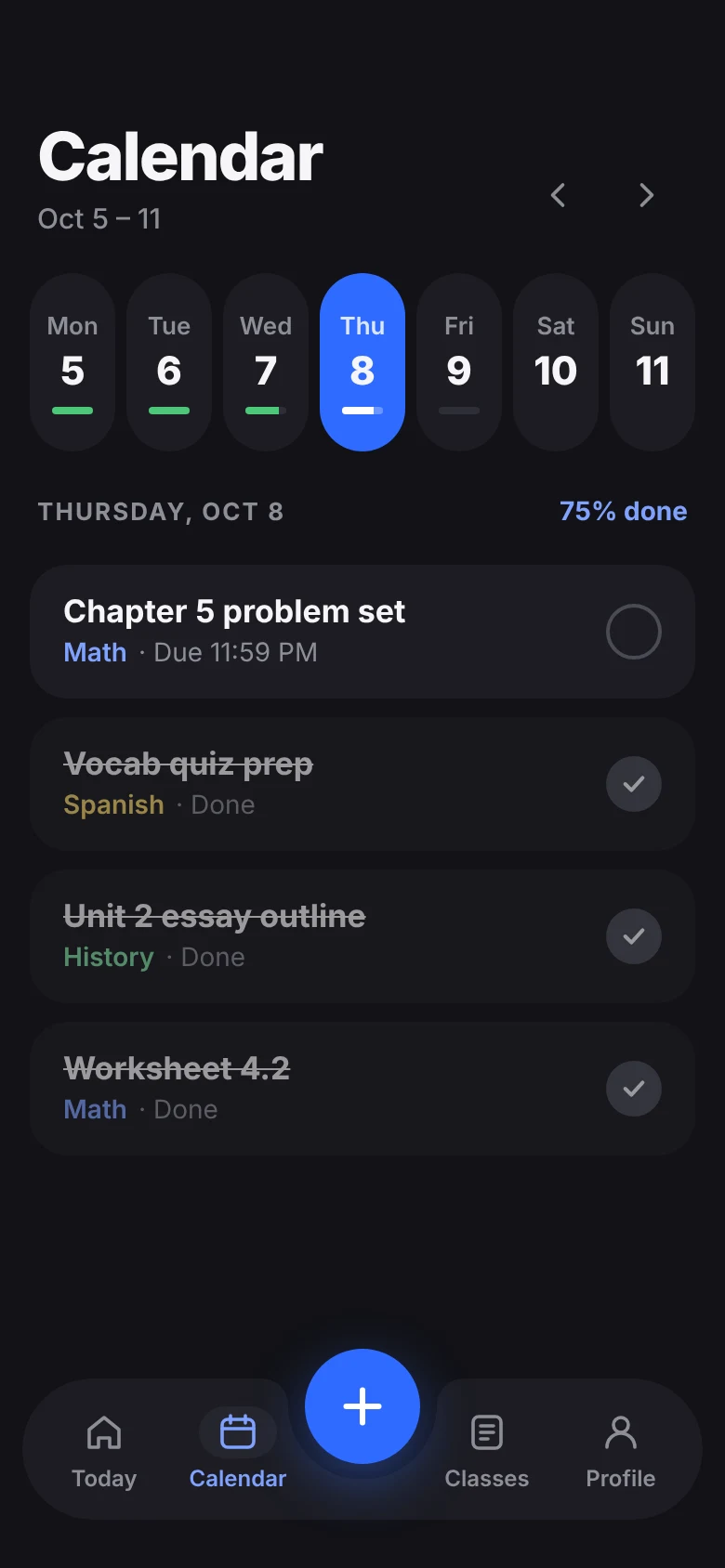
A calendar strip shows how much is due each day.
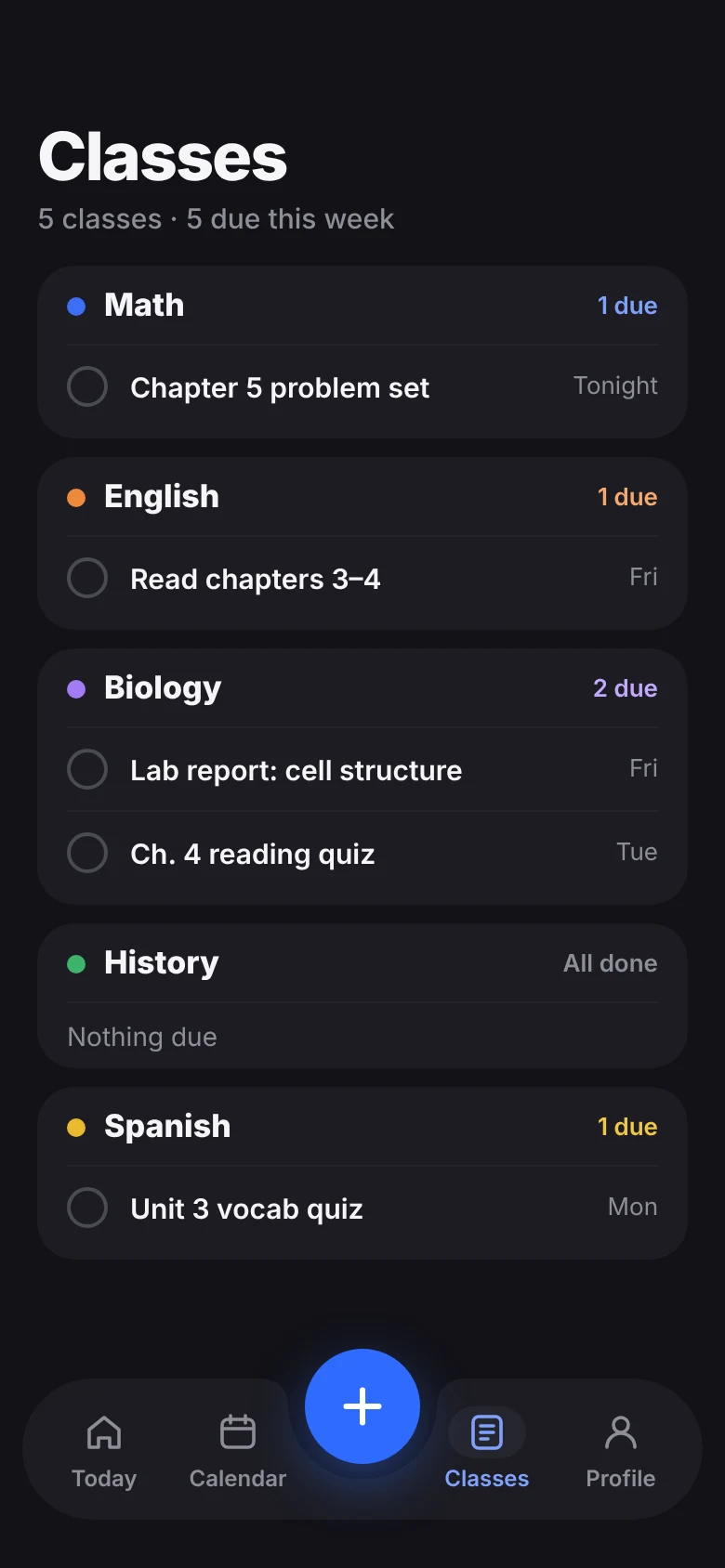
See what each class needs from you this week.
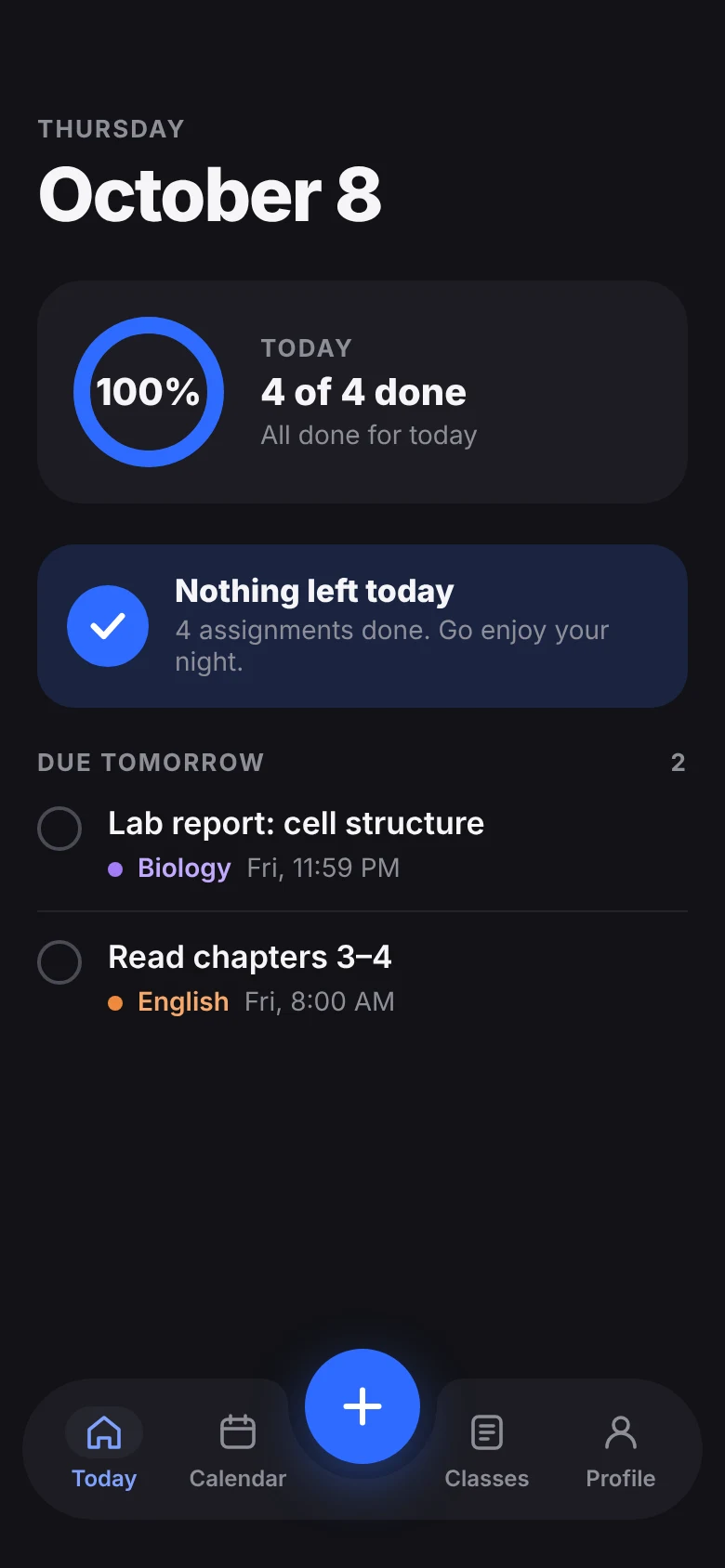
Watch the ring fill as you finish the day.
Regular days, late starts and weekends. Pings follow your real schedule and stay quiet on Saturdays.
FAQ
Your homework list is free to keep using. After-class pings are free for your first 2 weeks, then they're part of Pingd Pro. No payment needed to start, and we'll remind you before the free weeks end.
No. Pings only come right after a class ends, based on your bell times. Weekends are quiet.
Pingd works for any school schedule. If your school uses Schoology, you can also sync posted assignments automatically.
Pingd reads your classes and times from it, then deletes the photo. See the privacy policy for details.
Not yet. Pingd is iPhone only for now.
Set it up in a minute. Your first ping comes after your next class.
Download on theApp Store